
Use cases · Engagement
A donation for an achievement
A success in your product, such as a signed lease, a passed exam or a completed survey, gives a donation, and the person picks its charity on the success screen.
- Who paysYour company
- Starts withA customer action
- Tax receiptIn your company's name
Needs API access on a validated account. Plans
your-app.example/referrals
Step by step
Click through the site. Each step shows what your customer does, what your server sends and what Charitips answers.
1Charity chosen
To comeYour customer does…
Clicks “Save”.
Your server sends…
The referrer picks the charity upfront, so every invite can name it. Your app saves it on its side.
Charitips answers…
Nothing: Charitips is not called at this step.
2Friend joined
To comeYour customer does…
Clicks “Simulate Sam's sign-up”.
Your server sends…
Creates a 10 € donation for referral #871 on the campaign “Referral rewards”, for the charity your customer picks.
POSTcreate-donation
Creates a 10 € donation for referral 871 friend on the campaign “Referral rewards”.
POSTcreate-donation
Charitips answers…
Charitips records the donation and returns its id: it goes to the charity your customer picks at once.
Charitips records the donation and returns its id: it waits for your customer to pick a charity.
Charitips will then tell your server the donation was created.
3Friend's charity chosen
To comeYour customer does…
Clicks “Give 10 €”.
Your server sends…
Assigns that donation to another charity.
POSTclaim-donation
Charitips answers…
The donation now goes to another charity.
Charitips will then tell your server the donation was updated.
How to read this demo: the site shows what your customer does, and the panel what your server sends and what Charitips answers, step by step.
The site is made up and nothing is sent. The endpoints, fields and webhook events are the real ones, and so are the charities.
Scenarios this flow covers The same calls cover each of these.
One flow, 16 variants
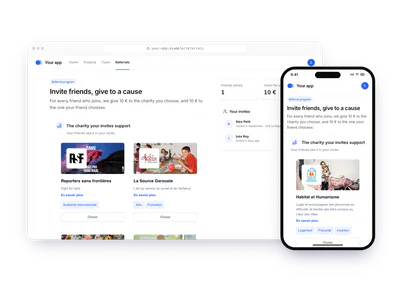
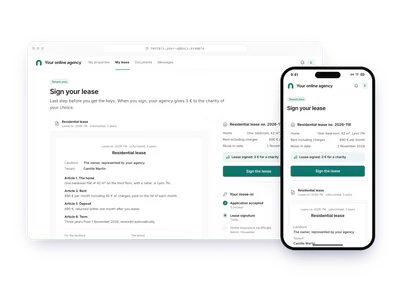
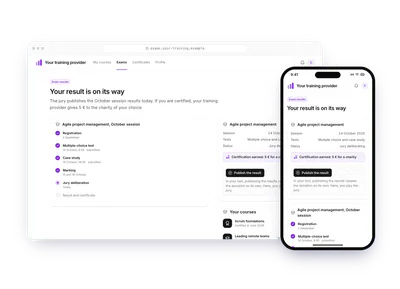
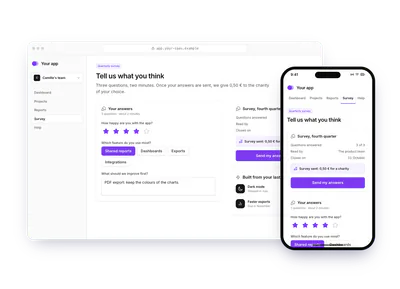
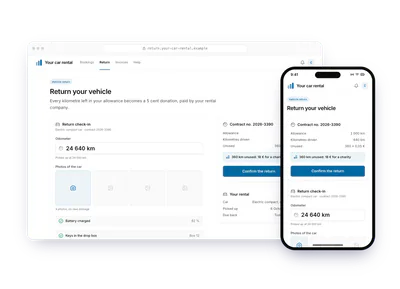
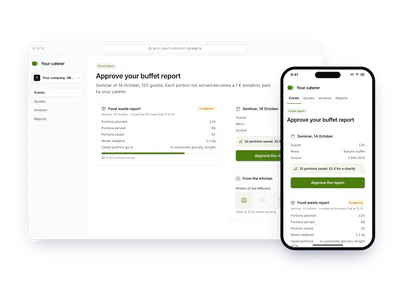
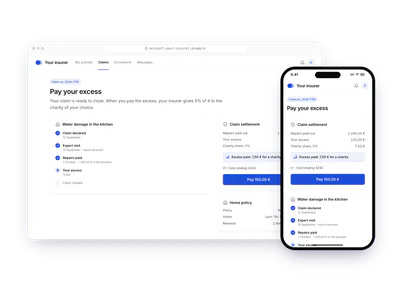
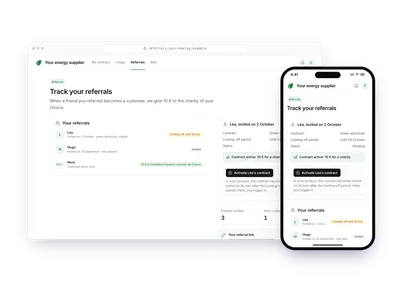
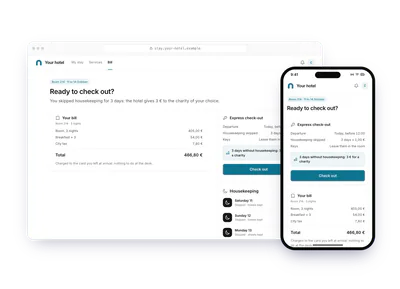
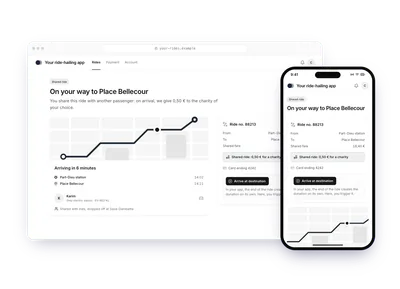
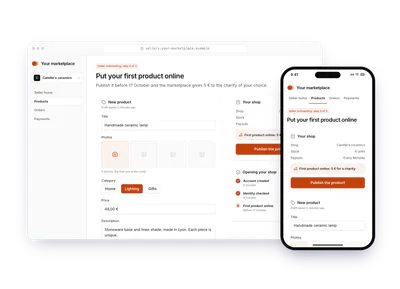
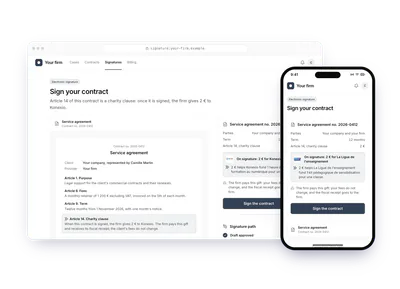
Each card is this flow in another sector or use case. Pick one: the demo above plays it, with its site, its amounts and its charities. The API calls stay the same.
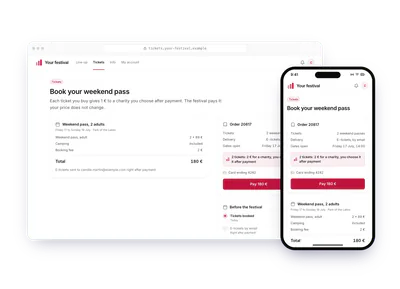
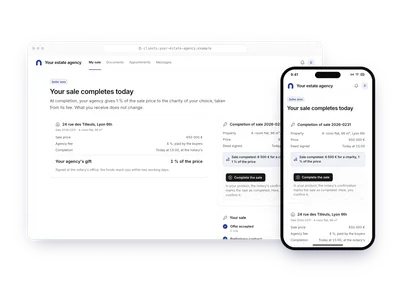
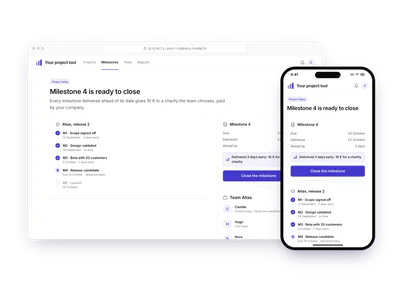
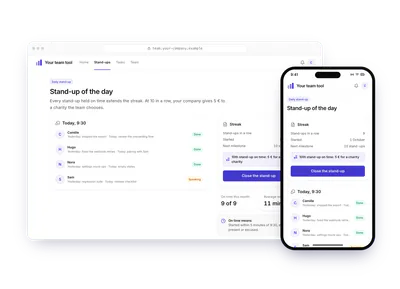
Build it
The calls behind the demo, in order. Each step shows the request your server sends.
donation_createdonation_updateSet up the campaign
Once, create a charities selection, a campaign with its
charitiesSelectionId, then activate it, as in steps 3 to 5 of Your first donation.POST /v1/campaignscurl -X POST https://api.sandbox.charitips.com/v1/campaigns \ -H "Authorization: Bearer $CHARITIPS_TOKEN" \ -H "Content-Type: application/json" \ -d '{ "name": "Leases signed online", "charitiesSelectionId": "<charitiesSelectionId>" }'Built from the spec and the API codeRequest bodies are written for this docs and checked against the API's validation; ids in angle brackets are placeholders. Response values are placeholders built from the schema.
Give when the event happens
When the contract is signed or the certificate issued, your server creates the donation with the event's id as
uniqueExternalId. One event gives one donation. The amount can come from the event (0,05 € per kilometre not driven, 1 € per buffet portion saved, a share of an insurance deductible): compute it on your side and send it in cents.POST /v1/donationscurl -X POST https://api.sandbox.charitips.com/v1/donations \ -H "Authorization: Bearer $CHARITIPS_TOKEN" \ -H "Content-Type: application/json" \ -d '{ "campaignId": "<campaignId>", "amount": 300, "uniqueExternalId": "lease_77120", "externalId": "tenant_5531" }'Built from the spec and the API codeRequest bodies are written for this docs and checked against the API's validation; ids in angle brackets are placeholders. Response values are placeholders built from the schema.
Let the person pick a charity
The success screen offers the charities. Save the choice with Claim a donation.
POST /v1/donations/<donationId>/claimcurl -X POST https://api.sandbox.charitips.com/v1/donations/<donationId>/claim \ -H "Authorization: Bearer $CHARITIPS_TOKEN" \ -H "Content-Type: application/json" \ -d '{ "charityId": "<charityId>" }'Built from the spec and the API codeRequest bodies are written for this docs and checked against the API's validation; ids in angle brackets are placeholders. Response values are placeholders built from the schema.
Name the charity yourself
A contract clause or a partnership can name the charity in advance. Create the donation with that
charityId: it is assigned at once, with no claim and no choice screen.POST /v1/donationscurl -X POST https://api.sandbox.charitips.com/v1/donations \ -H "Authorization: Bearer $CHARITIPS_TOKEN" \ -H "Content-Type: application/json" \ -d '{ "campaignId": "<campaignId>", "amount": 300, "charityId": "<charityId>", "uniqueExternalId": "lease_77120", "externalId": "tenant_5531" }'Built from the spec and the API codeRequest bodies are written for this docs and checked against the API's validation; ids in angle brackets are placeholders. Response values are placeholders built from the schema.
Edge cases
- The person leaves without choosing. The donation is assigned automatically when it expires or when the campaign closes: none is lost. Bring them back to the choice from your product, or let Charitips email them: see A gift sent by email, Slack or post.
- The event is undone. Delete the donation before it is billed.
- Fiscal receipts. You fund the donations, so the receipt goes to your company.
The memo
Send the memo to your team
Already written for this flow
- What it does and who pays, in a few sentences
- What you need: plan, API calls and webhooks
- What you can report: donations, charities, impact and receipts
To paste in an email, a document or a note.
Email it