
Use cases · Engagement
A gift sent by email, Slack or post
Your server creates the donation with the recipient's email or Slack id; Charitips sends the message, and the recipient picks the charity on a hosted page.
- Who paysYour company
- Starts withA customer action
- Tax receiptIn your company's name
Needs API access on a validated account. Plans
registry.your-school.example
Step by step
Click through the site. Each step shows what your customer does, what your server sends and what Charitips answers.
1At graduation
To comeYour customer does…
Clicks “Send the gift to Camille”.
Your server sends…
Creates a 5 € donation for diploma 2026 student 0412 on the campaign “Graduation gift 2026”.
POSTcreate-donation
Charitips answers…
Charitips records the donation and returns its id: it waits for your customer to pick a charity.
Charitips will then tell your server the donation was created.
2On the choice, on the Charitips page
To comeYour customer does…
Clicks “Choose the charity”.
Your server sends…
No call: your side saves it.
Charitips answers…
Charitips will then tell your server the donation was updated.
How to read this demo: the site shows what your customer does, and the panel what your server sends and what Charitips answers, step by step.
The site is made up and nothing is sent. The endpoints, fields and webhook events are the real ones, and so are the charities.
Scenarios this flow covers The same calls cover each of these.
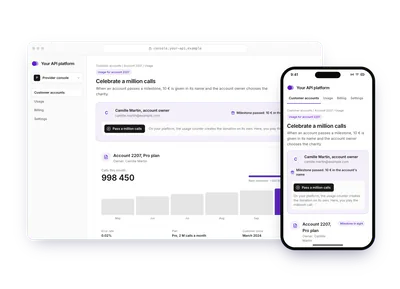
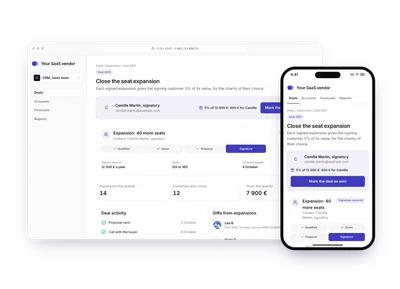
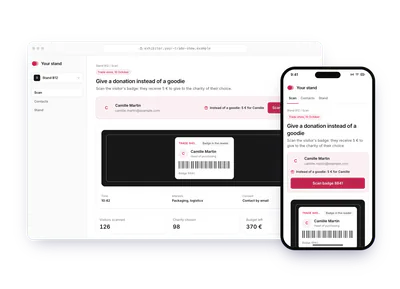
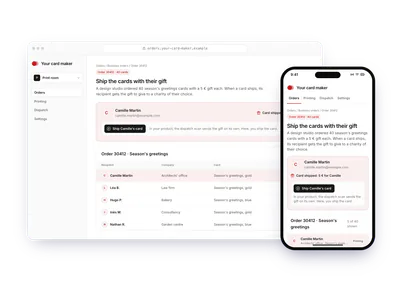
One flow, 10 variants
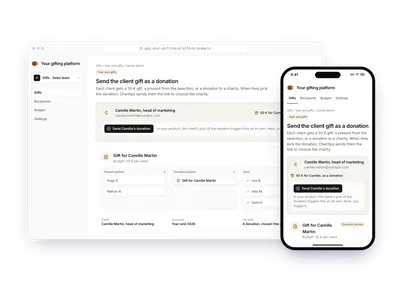
Each card is this flow in another sector or use case. Pick one: the demo above plays it, with its site, its amounts and its charities. The API calls stay the same.
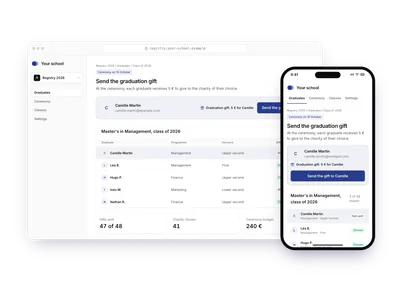
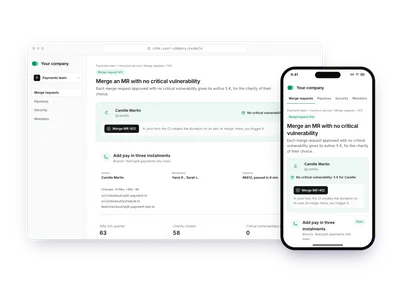
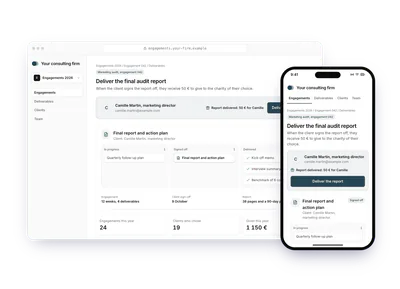
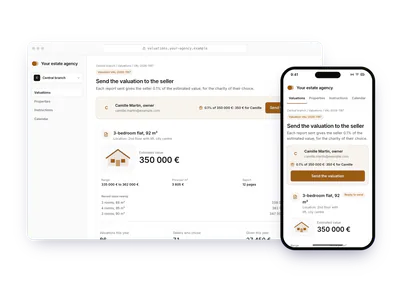
Build it
The calls behind the demo, in order. Each step shows the request your server sends.
donation_createdonation_updateBefore you start
- A campaign created with
sendingModeEMAIL,SLACKorPOSTAL, adonoron each donation, and asendingDatefor email and Slack.
Create the email campaign
Once, pick the charities in a charities selection, then create the campaign with its
charitiesSelectionIdandsendingModeset toEMAIL. Then activate it.POST /v1/campaignscurl -X POST https://api.sandbox.charitips.com/v1/campaigns \ -H "Authorization: Bearer $CHARITIPS_TOKEN" \ -H "Content-Type: application/json" \ -d '{ "name": "Graduation gifts", "charitiesSelectionId": "<charitiesSelectionId>", "sendingMode": "EMAIL" }'Built from the spec and the API codeRequest bodies are written for this docs and checked against the API's validation; ids in angle brackets are placeholders. Response values are placeholders built from the schema.
Send the gift by email
For each recipient, create the donation with their first name and email in
donor, and the day to send it insendingDate: the API answers400whendonoris missing or lacks one of them, or whensendingDateis missing. Charitips emails the recipient within ten minutes of that date, hosts the page where they pick the charity, and sends the reminders. To send it right away, pass the current time.POST /v1/donationscurl -X POST https://api.sandbox.charitips.com/v1/donations \ -H "Authorization: Bearer $CHARITIPS_TOKEN" \ -H "Content-Type: application/json" \ -d '{ "campaignId": "<campaignId>", "amount": 500, "uniqueExternalId": "graduate_2026_3307", "sendingDate": "2026-06-30T09:00:00Z", "donor": { "firstName": "Camille", "email": "camille.martin@example.com" } }'Built from the spec and the API codeRequest bodies are written for this docs and checked against the API's validation; ids in angle brackets are placeholders. Response values are placeholders built from the schema.
Or send it by Slack
Create the campaign with
sendingModeset toSLACK. Then send each donation with the person's Slack member id indonor.slackId, their first name indonor.firstNameand the day to send it insendingDate. The message goes through the Charitips Slack app installed on your workspace.POST /v1/donationscurl -X POST https://api.sandbox.charitips.com/v1/donations \ -H "Authorization: Bearer $CHARITIPS_TOKEN" \ -H "Content-Type: application/json" \ -d '{ "campaignId": "<campaignId>", "amount": 500, "uniqueExternalId": "merge_request_8812", "sendingDate": "2026-06-30T09:00:00Z", "donor": { "firstName": "Camille", "slackId": "U04ABCD1234" } }'Built from the spec and the API codeRequest bodies are written for this docs and checked against the API's validation; ids in angle brackets are placeholders. Response values are placeholders built from the schema.
Handle the recipient's choice
When the recipient picks the charity, your server gets the
donation_updatewebhook. Your product makes no other call.Or send it by post
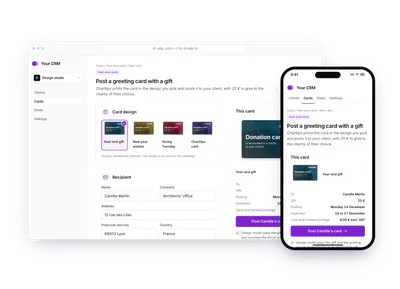
Charitips prints a card in one of the designs it validated, with the code to choose the charity, and posts it as a tracked letter to an address in France. Each card handed over is billed to your company on top of the donation: 1,50 € for the printed card and 2,50 € for tracked postage, excluding VAT. First pick the design: List card designs (
languagefroren) lists each one with itsmomentSlug, itsaccentColorand apreviewUrlof the card's front, and the default Charitips card has amomentSlugofnull.GET /v1/card-designscurl -X GET https://api.sandbox.charitips.com/v1/card-designs \ -H "Authorization: Bearer $CHARITIPS_TOKEN"Built from the spec and the API codeRequest bodies are written for this docs and checked against the API's validation; ids in angle brackets are placeholders. Response values are placeholders built from the schema.
Create the postal campaign
Create the campaign with
sendingModeset toPOSTALand the design'smomentSlug, then activate it. The design is set once for the campaign.POST /v1/campaignscurl -X POST https://api.sandbox.charitips.com/v1/campaigns \ -H "Authorization: Bearer $CHARITIPS_TOKEN" \ -H "Content-Type: application/json" \ -d '{ "name": "Year-end cards", "charitiesSelectionId": "<charitiesSelectionId>", "sendingMode": "POSTAL", "momentSlug": "cadeau-client-fin-d-annee" }'Built from the spec and the API codeRequest bodies are written for this docs and checked against the API's validation; ids in angle brackets are placeholders. Response values are placeholders built from the schema.
Send each card
For each card, create the donation with the recipient's postal address in
donorand the posting day insendingDate.donorneedsfirstName,lastName,street,zip,cityandcountryset toFR, with a French postal code;companyName,streetAdditionandemailare optional.sendingDateis a business day, from the next batch (16:00, Paris time) up to a year ahead; leave it out to post with the next batch. Leave outcharityIdtoo, which the API refuses here: the recipient picks the charity with the code on the card.POST /v1/donationscurl -X POST https://api.sandbox.charitips.com/v1/donations \ -H "Authorization: Bearer $CHARITIPS_TOKEN" \ -H "Content-Type: application/json" \ -d '{ "campaignId": "<campaignId>", "amount": 2500, "uniqueExternalId": "year_end_card_2026_client_0412", "donor": { "firstName": "Camille", "lastName": "Martin", "companyName": "Architects office", "street": "12 rue des Lilas", "zip": "69003", "city": "Lyon", "country": "FR" }, "sendingDate": "2026-12-14" }'Built from the spec and the API codeRequest bodies are written for this docs and checked against the API's validation; ids in angle brackets are placeholders. Response values are placeholders built from the schema.
Track the card's status
Each change of the donation reaches your server as a
donation_updatewebhook, and itssendingStatusreadsPENDINGwhile the card waits for its batch.DONEmeans Charitips handed the card over at the 16:00 batch of its posting day, and it arrives 2 to 3 business days later; the status stops at this hand-over.FAILEDmeans the postal partner refused the card or it came back, and a card that cannot be delivered comes back to your company. When the recipient picks the charity, anotherdonation_updatefollows.
Edge cases
- The recipient never chooses. Reminders follow, then the donation is assigned automatically when it expires or when the campaign closes: none is lost.
- Fiscal receipts. You fund the donations, so the receipt goes to your company.
- A postal address is refused. A missing field, a country other than
FRor a postal code outside France answers400 INVALID_POSTAL_ADDRESS. - A posting day is refused. A day that is not a business day, before the next batch or more than a year ahead answers
400 INVALID_SENDING_DATE. - Cancel a card. Until the batch takes the card (16:00 on its posting day), deleting the donation cancels it and nothing is billed. After, deleting it or changing its amount answers
403. - The claim deadline runs from the creation. The donation's expiry date is set when you create it, not on the posting day: a card scheduled far ahead leaves its recipient less time to choose.
The memo
Send the memo to your team
Already written for this flow
- What it does and who pays, in a few sentences
- What you need: plan, API calls and webhooks
- What you can report: donations, charities, impact and receipts
To paste in an email, a document or a note.
Email it