
Use cases · Community
Your users give their own money
You collect the funds, the fiscal receipt goes to the donor.
- Who paysYour users
- Starts withYour users choose to give
- Tax receiptIn the user's name
Needs API access and the B2C use case on a validated account. Plans
your-app.example/donate
Step by step
Click through the site. Each step shows what your customer does, what your server sends and what Charitips answers.
1Donation paid
To comeYour customer does…
Clicks “Give 50 € to the charity”.
Your server sends…
Creates a 50 € donation for payment #9031 on the campaign “Donations”, for the charity your customer picks, paid by Camille Martin with a fiscal receipt in their name.
POSTcreate-donation
Charitips answers…
Charitips records the donation and returns its id: it goes to the charity your customer picks at once, and the fiscal receipt will be in Camille Martin's name.
Charitips will then tell your server the donation was created.
2Receipt issued
To comeYour customer does…
Clicks “Donation processed”.
Your server sends…
Asks for the fiscal receipt of that donation.
Charitips answers…
Charitips issues the fiscal receipt.
Charitips will then tell your server the fiscal receipt is ready.
3Receipt downloaded
To comeYour customer does…
Clicks “Download the PDF”.
Your server sends…
Reads the fiscal receipt of that donation.
Asks for a download link to that receipt.
Charitips answers…
Charitips returns the receipt and its id.
Charitips returns a download link that expires soon.
How to read this demo: the site shows what your customer does, and the panel what your server sends and what Charitips answers, step by step.
The site is made up and nothing is sent. The endpoints, fields and webhook events are the real ones, and so are the charities.
This demo is one example. Users donate their own money, receipt to them: that is the case the demo plays. The same flow also covers:
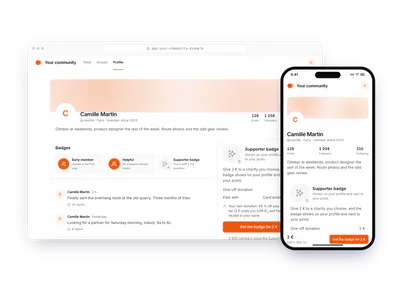
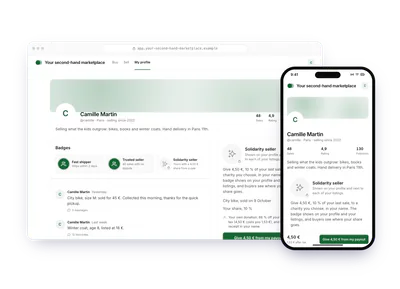
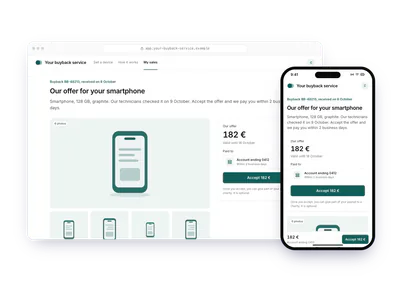
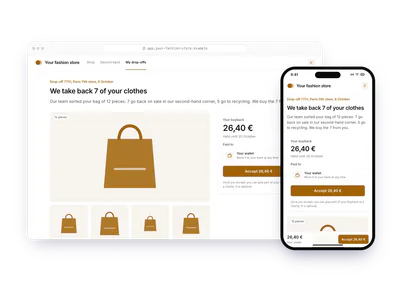
One flow, 8 variants
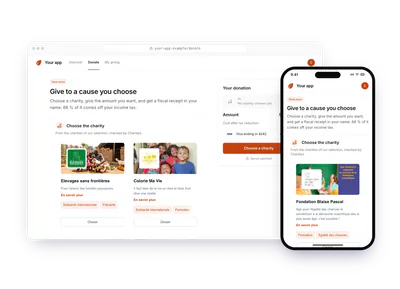
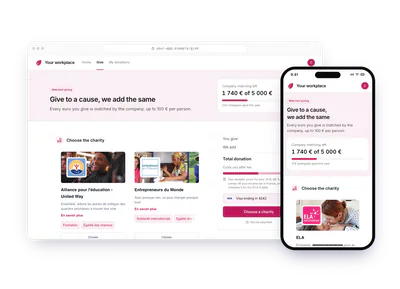
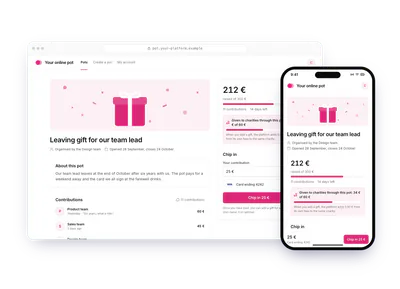
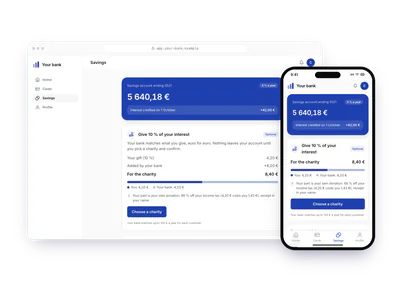
Each card is this flow in another sector or use case. Pick one: the demo above plays it, with its site, its amounts and its charities. The API calls stay the same.
Build it
The calls behind the demo, in order. Each step shows the request your server sends.
donation_createfiscalreceipt_generatedBefore you start
- The B2C use case.
Request B2C access
The B2C use case lets you create donations on behalf of individual users and issue their fiscal receipts. Ask for it at contact@charitips.com: our team approves it on your account.
Create a charities selection
The charities offered to your users come from a charities selection, created with Create a charities selection. Get the charity ids from List charities.
POST /v1/charities-selectionscurl -X POST https://api.sandbox.charitips.com/v1/charities-selections \ -H "Authorization: Bearer $CHARITIPS_TOKEN" \ -H "Content-Type: application/json" \ -d '{ "name": "Hero Corp selection", "charityIds": [ "ca68f22c-2fdf-48b1-b8f6-43c3073e83bb", "1cccaa7c-cc5e-4dc8-9978-fc2de5f5d7b3", "0d65b4e6-f663-4ec7-b69d-0da5e7e8b2ee" ], "accountId": "<accountId>" }'Built from the spec and the API codeRequest bodies are written for this docs and checked against the API's validation; ids in angle brackets are placeholders. Response values are placeholders built from the schema.
Create and activate the campaign
Every donation belongs to a campaign, which holds the configuration of the donation flow. Create it with Create a campaign, then activate it with Activate a campaign: campaigns are created
PENDING. Create one campaign per use case if you have several, and write to contact@charitips.com for help with the first one.POST /v1/campaignscurl -X POST https://api.sandbox.charitips.com/v1/campaigns \ -H "Authorization: Bearer $CHARITIPS_TOKEN" \ -H "Content-Type: application/json" \ -d '{ "accountId": "<accountId>", "charitiesSelectionId": "<charitiesSelectionId>", "name": "Hero Corp Campaign" }'Built from the spec and the API codeRequest bodies are written for this docs and checked against the API's validation; ids in angle brackets are placeholders. Response values are placeholders built from the schema.
Create a donor for each user
A
Donorstands for one of your users. Create it with Create a donor and link it to your user withuniqueExternalId. A donor lets a logged-in user give through authenticated widgets, with a donation history, recurring donations and consolidated fiscal receipts.POST /v1/donorscurl -X POST https://api.sandbox.charitips.com/v1/donors \ -H "Authorization: Bearer $CHARITIPS_TOKEN" \ -H "Content-Type: application/json" \ -d '{ "firstName": "John", "lastName": "Doe", "email": "john@doe.com", "street": "8 rue de la Paix", "zip": "75002", "city": "Paris", "country": "FR", "uniqueExternalId": "<userId>" }'Built from the spec and the API codeRequest bodies are written for this docs and checked against the API's validation; ids in angle brackets are placeholders. Response values are placeholders built from the schema.
Show a donor widget
The donor widgets take the donation in your product. The charity selection and payment widget collects the donor's fiscal information and the payment, creates and claims the donation, issues the fiscal receipt and can save the payment method. The payment only widget takes the
charityIdfrom your own charity selection UI, so show enough about each charity for users to choose. An authenticated widget needs a token from Create a donor widget token; an unauthenticated one needs none and creates a new donor with each donation, for guests and one-off donations.POST /v1/authentication/donor/widgetcurl -X POST https://api.sandbox.charitips.com/v1/authentication/donor/widget \ -H "Authorization: Bearer $CHARITIPS_TOKEN" \ -H "Content-Type: application/json" \ -d '{ "donorId": "<donorId>" }'Built from the spec and the API codeRequest bodies are written for this docs and checked against the API's validation; ids in angle brackets are placeholders. Response values are placeholders built from the schema.
Create the donation you charged
When you collect the funds yourself, for example in your own checkout, create the donation from your backend once the charity is chosen. Set
hasBeenCharged: trueand pass the donor's name and postal address indonor, for the receipt in their name. Only a charity whosefiscalReceiptsSupportisENABLEDissues one: offer those when your users want a receipt. When the user opts out of the receipt, setwithFiscalReceipt: falseand leavedonorout.POST /v1/donationscurl -X POST https://api.sandbox.charitips.com/v1/donations \ -H "Authorization: Bearer $CHARITIPS_TOKEN" \ -H "Content-Type: application/json" \ -d '{ "campaignId": "<campaignId>", "externalId": "<externalId>", "uniqueExternalId": "<uniqueExternalId>", "amount": 2000, "hasBeenCharged": true, "donor": { "firstName": "John", "lastName": "Doe", "email": "john@doe.com", "street": "8 rue de la Paix", "zip": "75002", "city": "Paris", "country": "FR" } }'Built from the spec and the API codeRequest bodies are written for this docs and checked against the API's validation; ids in angle brackets are placeholders. Response values are placeholders built from the schema.
Claim the donation
Link the donation to the chosen charity with Claim a donation. You can also pass
charityIdwhen you create the donation, which claims it at once.POST /v1/donations/<donationId>/claimcurl -X POST https://api.sandbox.charitips.com/v1/donations/<donationId>/claim \ -H "Authorization: Bearer $CHARITIPS_TOKEN" \ -H "Content-Type: application/json" \ -d '{ "charityId": "<charityId>" }'Built from the spec and the API codeRequest bodies are written for this docs and checked against the API's validation; ids in angle brackets are placeholders. Response values are placeholders built from the schema.
Issue a receipt on demand
To issue a receipt before the yearly one, call Create a donation fiscal receipt with the
donationId. The donation must be paid and carry the donor's fiscal information.POST /v1/donations/<donationId>/fiscal-receiptscurl -X POST https://api.sandbox.charitips.com/v1/donations/<donationId>/fiscal-receipts \ -H "Authorization: Bearer $CHARITIPS_TOKEN"Built from the spec and the API codeRequest bodies are written for this docs and checked against the API's validation; ids in angle brackets are placeholders. Response values are placeholders built from the schema.
Download the receipt
Get the PDF link with Generate a fiscal receipt download url. The PDF is generated asynchronously and can take a few seconds, so retry when the link is not ready yet.
GET /v1/fiscal-receipts/<fiscalReceiptId>/download-urlcurl -X GET https://api.sandbox.charitips.com/v1/fiscal-receipts/<fiscalReceiptId>/download-url \ -H "Authorization: Bearer $CHARITIPS_TOKEN"Built from the spec and the API codeRequest bodies are written for this docs and checked against the API's validation; ids in angle brackets are placeholders. Response values are placeholders built from the schema.
Offer monthly giving
Authenticated donors can give every month through the recurring donations widget, charged on their saved payment method. To let users stop it from your product, call Cancel a recurring donation.
POST /v1/recurring-donations/<recurringDonationId>/cancelcurl -X POST https://api.sandbox.charitips.com/v1/recurring-donations/<recurringDonationId>/cancel \ -H "Authorization: Bearer $CHARITIPS_TOKEN" \ -H "Content-Type: application/json" \ -d '{}'Built from the spec and the API codeRequest bodies are written for this docs and checked against the API's validation; ids in angle brackets are placeholders. Response values are placeholders built from the schema.
Manage donor profiles
Read and update donors with List donors, Get a donor and Update a donor. Show their saved cards with List donor payment methods, their receipts with List donor fiscal receipts, their donations with List donations filtered on
donorId, and their recurring donations with List recurring donations.Billing and receipts
Donations paid in the donor widgets are charged on the user's card at once, never on your invoice. Donations you create with
hasBeenCharged: trueafter your own checkout are billed to you monthly. Either way, Charitips transfers the funds to the chosen charities. Fiscal receipts are issued yearly by default, which suits users who give several times. With unauthenticated widgets, the receipt is issued right after each payment.
The memo
Send the memo to your team
Already written for this flow
- What it does and who pays, in a few sentences
- What you need: plan, API calls and webhooks
- What you can report: donations, charities, impact and receipts
To paste in an email, a document or a note.
Email it