
Use cases · Engagement
Progress and tiers
A counter, a streak or a gauge reaches a tier: a donation unlocks, the person picks its charity once, and the next tiers follow.
- Who paysYour company
- Starts withA customer action
- Tax receiptIn your company's name
Needs API access on a validated account. Plans
app.your-insurer.example
Step by step
Click through the site. Each step shows what your customer does, what your server sends and what Charitips answers.
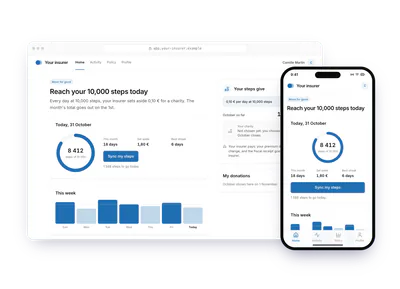
1At each 10,000-step day
To comeYour customer does…
Clicks “Sync my steps”.
Your server sends…
No call: your side saves it.
Charitips answers…
Nothing: Charitips is not called at this step.
2At the end of the month
To comeYour customer does…
Clicks “Close the month”.
Your server sends…
Creates a 1,90 € donation for activity 40922 2026 10 on the campaign “Your insurer”.
POSTcreate-donation
Charitips answers…
Charitips records the donation and returns its id: it waits for your customer to pick a charity.
Charitips will then tell your server the donation was created.
3When the charity is chosen
To comeYour customer does…
Clicks “Choose the charity”.
Your server sends…
Assigns that donation to the charity your customer picks.
POSTclaim-donation
Charitips answers…
The donation now goes to the charity your customer picks.
Charitips will then tell your server the donation was updated.
4At the end of the next month
To comeYour customer does…
Clicks “Close the month”.
Your server sends…
Creates a 2,20 € donation for activity 40922 2026 11 on the campaign “Your insurer”, for the charity your customer picks.
POSTcreate-donation
Charitips answers…
Charitips records the donation and returns its id: it goes to the charity your customer picks at once.
Charitips will then tell your server the donation was created.
How to read this demo: the site shows what your customer does, and the panel what your server sends and what Charitips answers, step by step.
The site is made up and nothing is sent. The endpoints, fields and webhook events are the real ones, and so are the charities.
Scenarios this flow covers The same calls cover each of these.
One flow, 10 variants
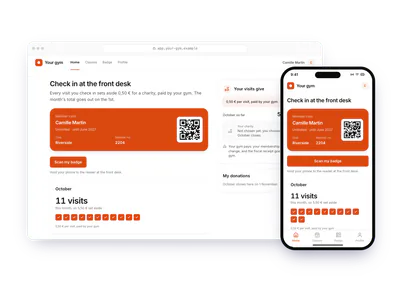
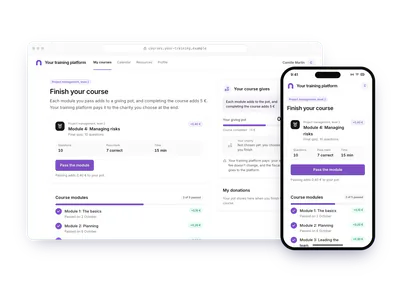
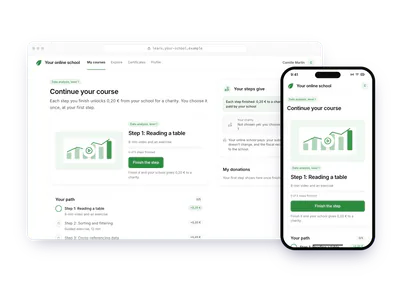
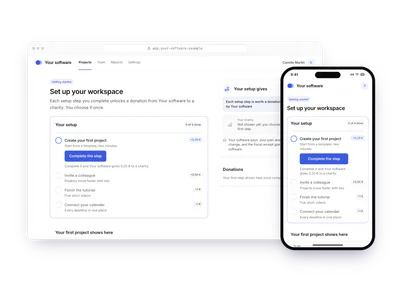
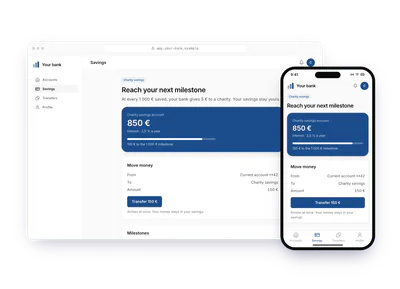
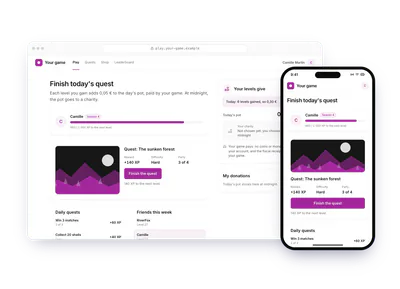
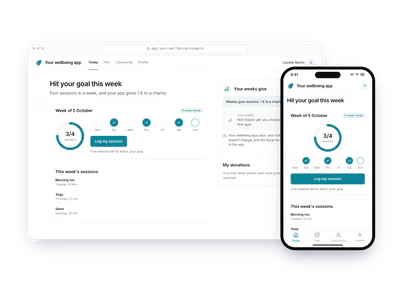
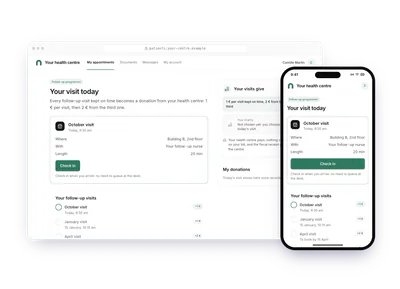
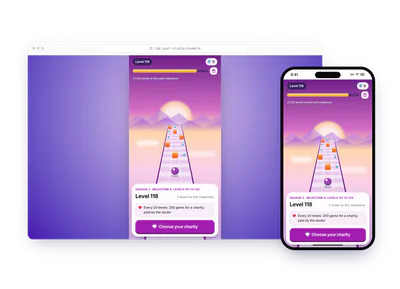
Each card is this flow in another sector or use case. Pick one: the demo above plays it, with its site, its amounts and its charities. The API calls stay the same.
Build it
The calls behind the demo, in order. Each step shows the request your server sends.
donation_createdonation_updateSet up the campaign
Once, create a charities selection, a campaign with its
charitiesSelectionId, then activate it, as in steps 3 to 5 of Your first donation.POST /v1/campaignscurl -X POST https://api.sandbox.charitips.com/v1/campaigns \ -H "Authorization: Bearer $CHARITIPS_TOKEN" \ -H "Content-Type: application/json" \ -d '{ "name": "Savings tiers", "charitiesSelectionId": "<charitiesSelectionId>" }'Built from the spec and the API codeRequest bodies are written for this docs and checked against the API's validation; ids in angle brackets are placeholders. Response values are placeholders built from the schema.
Count the progress in your app
Steps walked, modules passed, levels won, euros saved: your app counts them and shows the gauge, the streak or the tiers. Nothing goes to Charitips while the person progresses.
Give at the first tier
When the person reaches the first tier, create a donation without
charityId, with the tier inuniqueExternalId. Then offer the charities.POST /v1/donationscurl -X POST https://api.sandbox.charitips.com/v1/donations \ -H "Authorization: Bearer $CHARITIPS_TOKEN" \ -H "Content-Type: application/json" \ -d '{ "campaignId": "<campaignId>", "amount": 500, "uniqueExternalId": "savings_88213_tier_1", "externalId": "customer_88213" }'Built from the spec and the API codeRequest bodies are written for this docs and checked against the API's validation; ids in angle brackets are placeholders. Response values are placeholders built from the schema.
Let the person pick a charity
When the person picks, claim the donation for that charity and save the
charityIdon your side.POST /v1/donations/<donationId>/claimcurl -X POST https://api.sandbox.charitips.com/v1/donations/<donationId>/claim \ -H "Authorization: Bearer $CHARITIPS_TOKEN" \ -H "Content-Type: application/json" \ -d '{ "charityId": "<charityId>" }'Built from the spec and the API codeRequest bodies are written for this docs and checked against the API's validation; ids in angle brackets are placeholders. Response values are placeholders built from the schema.
Give at the next tiers
Send each next tier's donation with the saved
charityId. It is assigned at once, with no claim and no choice screen.POST /v1/donationscurl -X POST https://api.sandbox.charitips.com/v1/donations \ -H "Authorization: Bearer $CHARITIPS_TOKEN" \ -H "Content-Type: application/json" \ -d '{ "campaignId": "<campaignId>", "amount": 500, "charityId": "<charityId>", "uniqueExternalId": "savings_88213_tier_2", "externalId": "customer_88213" }'Built from the spec and the API codeRequest bodies are written for this docs and checked against the API's validation; ids in angle brackets are placeholders. Response values are placeholders built from the schema.
Add up micro amounts per period
When a step is worth a few cents (0,10 € per day at 10 000 steps, 0,05 € per level), add them up in your app. Create one donation per week or month, with the period in
uniqueExternalId. The person still sees each step count, and your bill and your webhooks get one line per period.Pay at the end
A course can give a growing amount per module and a bonus at the end. Keep the running total on your side and create one donation when the course is done, then let the person pick its charity.
update-donationchanges an amount only before the claim and before billing, so the total stays in your app.
Edge cases
- The person never chooses. A waiting donation is assigned automatically when it expires or when the campaign closes: none is lost.
- Health and personal data. Steps, visits and goals stay in your product: never put them in
externalId,uniqueExternalIdor the donor fields. - Fiscal receipts. You fund the donations, so the receipt goes to your company.
The memo
Send the memo to your team
Already written for this flow
- What it does and who pays, in a few sentences
- What you need: plan, API calls and webhooks
- What you can report: donations, charities, impact and receipts
To paste in an email, a document or a note.
Email it