
Charitips API docs
Build donations into your product
Your product creates the donations, your users pick the charity, and Charitips pays the charity and issues the tax receipt.
Use cases
What you can build
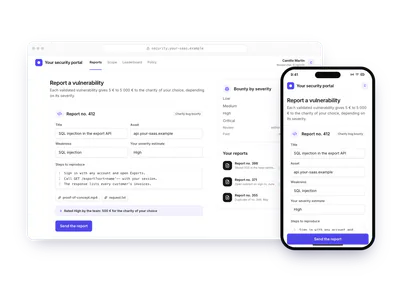
15 families of mechanics, each played live on a made-up site with the real API calls beside it. Open one to see it run before you build it.
Commerce3 variants
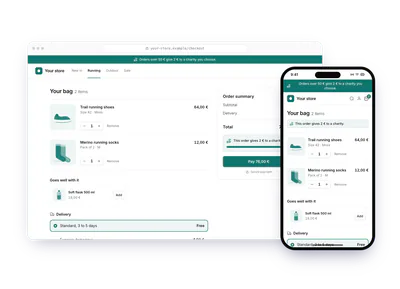
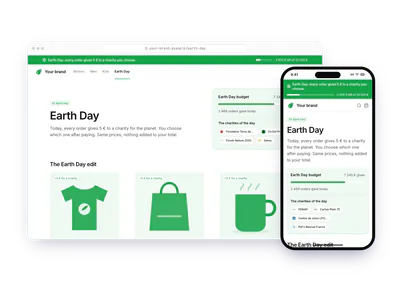
A donation with every order
Above a basket amount, you give and your customer chooses the charity.
Payments5 variants
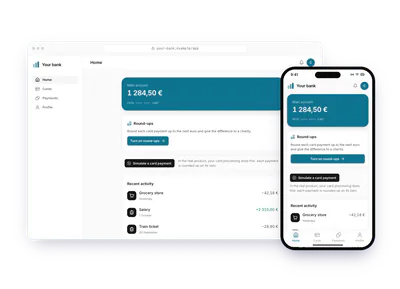
Round-up on every payment
Round each card payment up and give the difference, charged to your customer, who gets the fiscal receipt.
Subscriptions10 variants
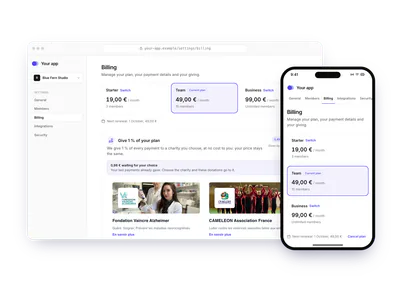
A saved choice, a periodic statement
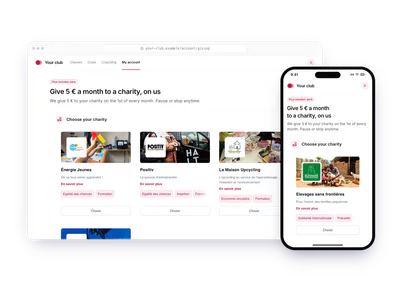
Your customer picks a charity once, in their settings. Each period, you give a share and show it on their statement.
Engagement10 variants
Progress and tiers
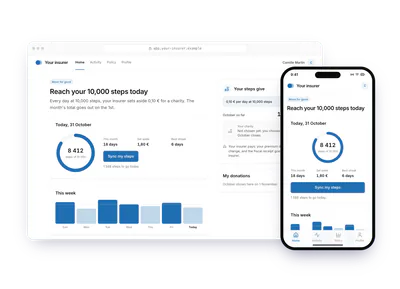
A counter, a streak or a gauge reaches a tier: a donation unlocks, the person picks its charity once, and the next tiers follow.
Engagement16 variants
A donation for an achievement
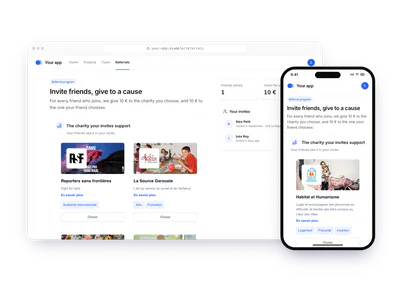
A success in your product, such as a signed lease, a passed exam or a completed survey, gives a donation, and the person picks its charity on the success screen.
- Customer referral,
- Lease signed online,
- Certification passed,
- Survey completed,
- Unused rental kilometres,
- Unused buffet portions,
- Insurance deductible settled,
- Energy contract referral,
- Housekeeping skipped,
- Shared ride completed,
- New seller's first listing,
- Charity clause in a contract,
- Festival tickets,
- Property sale completed,
- Project milestones delivered early,
- Stand-up streak
Engagement6 variants
A reward validated later
The donation is created when the person submits; your team validates it, with its final amount, once the fact is checked.
Events and stores6 variants
On site, at a kiosk or with a QR code
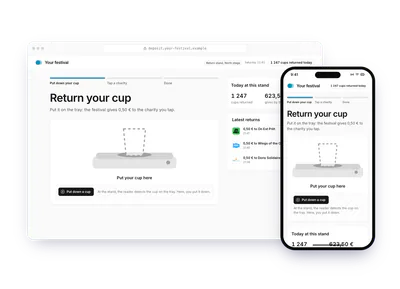
At a stand, a return point or on a product, a shared screen or a scanned page lets the person pick the charity on the spot.
Engagement10 variants
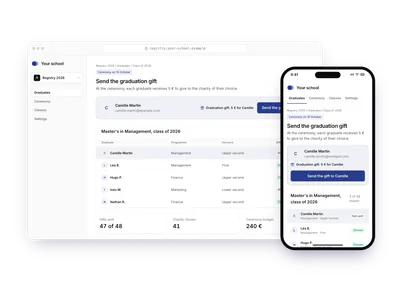
A gift sent by email, Slack or post
Your server creates the donation with the recipient's email or Slack id; Charitips sends the message, and the recipient picks the charity on a hosted page.
Community4 variants
A campaign for a date
A time-limited campaign with its own budget and charities, for a day or a season.
Community5 variants
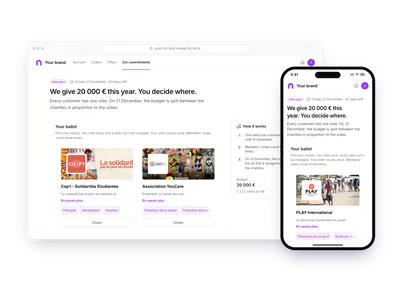
Customers vote on a budget
Set a yearly budget and let customers, employees or policyholders decide where it goes.
Commerce7 variants
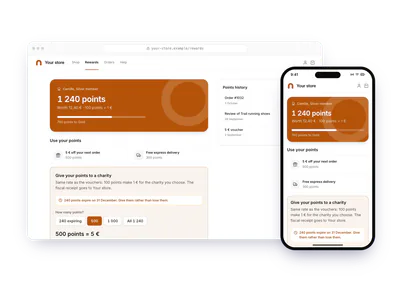
Loyalty points turned into donations
Let customers spend their points on a cause instead of a discount.
Community8 variants
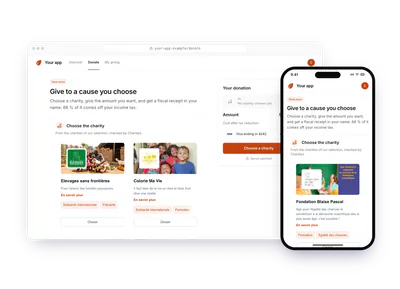
Your users give their own money
You collect the funds, the fiscal receipt goes to the donor.
Platforms2 variants
A sale split between seller and buyer
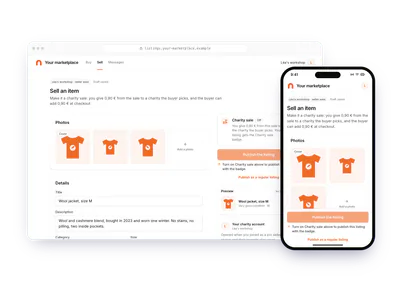
On a marketplace, a listing marked for charity gives a share paid by the seller and an extra paid by the buyer, each on its own account.
Subscriptions1 variant
Monthly giving by your users
Give every month on behalf of your users, on a recurring campaign: create, claim, pause or stop each donation from your product.
Platforms1 variant
Donations for your business customers
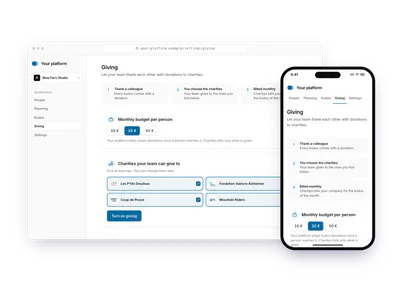
Give each of your business customers its own account, its own giving and its own dashboard, billed to you or to them.
If your case is not there, or you need help, contact us.
Three ways in
Start from where you are
For managers
Understand what Charitips does
Who pays, who picks the charity, how the money reaches it and who gets the tax receipt, explained without code.
For builders
Send a first donation on the sandbox
Seven calls on the sandbox, from credentials to a donation linked to a charity.
For coding agents
Let your agent write the integration
One line gives your coding agent the whole documentation, as plain text it reads before it writes the integration.
Paste in your agent
Read https://www.charitips.com/docs/llms.txt before you write any Charitips code. Build and test on the Charitips sandbox.
Also
How Charitips works
Who does what, and where the money goes
Your product decides when a donation happens and how much it is. The person it concerns picks the charity. Charitips pays the charity and issues the tax receipt.
The three parties
- Your product
- The website, app or platform that offers donations. It has a Charitips account, sets the rules of each donation program, and creates a donation each time something happens: an order, a referral, a month of subscription.
- Your users
- The people your product serves, such as customers, employees, members or cardholders. Most often they pick the charity. In some flows they also pay all or part of the donation with their own money.
- Charitips
- Keeps the catalog of charities, bills the donations, transfers the funds to the charities, issues the tax receipts and tells your product when something changes. The charities keep their own profiles up to date.
If you sell to businesses that each run their own giving, a fourth level appears: each business customer gets its own account under yours. See Account hierarchy.
The path of a donation
- 1You set the rules, onceYou pick the charities to offer (a charities selection) and create a campaign: its duration, its budget if it has one, how receipts are issued. You activate the campaign, and from then on it accepts donations.
- 2Something happens in your productYour server creates a donation on the campaign, with its amount.
- 3Someone picks the charityThe donation is claimed for one charity of the selection, by your user or by your product.
- 4Charitips bills itDonations on a campaign without a fixed budget go on a monthly invoice. A fixed budget is usually invoiced in full when the campaign is activated.
- 5Charitips pays the charityOnce the invoice is paid, the funds are transferred to the charity and the donation is marked as processed.
- 6Charitips issues the tax receiptTo whoever funded the donation.
The details of each step, and the states a donation goes through, are in Donation lifecycle and Campaigns.
Who pays
- Your company
- The usual case: a donation per order, referral, loyalty points or share of a subscription.
- Your users, with their own money
- They pay in a Charitips widget or in your checkout, and the receipt is in their name. Your users give their own money
- Both
- Your user gives, your company adds to it. Donation matching
- Your business customers
- Each one is invoiced directly, or you are invoiced for all of them and bill them yourself. Donations for your business customers
Who picks the charity
You pick the list of charities: your own selection, or one Charitips keeps up to date for you. Within it, the choice is made in one of these ways:
- Your user, on your page or in a Charitips widget you embed.
- Your user, from an email Charitips sends for you.
- Your users vote, and a shared budget is split according to the votes.
- Your product, which claims the donation for a charity directly.
If nobody picks, nothing is lost: at its expiry date, the donation goes to one of the selection's charities that has received the least so far.
Tax receipts
Charitips issues the tax receipt (fiscal receipt in the API) to whoever funded the donation.
- 60 %Your company funds the donations
- The receipt goes to your company: in France, a 60 % tax reduction within the legal caps, for charities that issue receipts.
- 66 %Your users pay with their own money
- The receipt is in their name, if they give their name and postal address: in France, a 66 % tax reduction, 75 % for some charities. Needs the B2C use case.
- You run giving for business customers
- Receipts go to you or to each customer, depending on the use case.
Sandbox and live
Two separate environments: on the sandbox, test credentials and test payments, and no real money moves; on live, donations are real and billed. Nothing crosses from one to the other, and the account rules are the same on both, including the active subscription a campaign needs. See Sandbox and the go-live checklist.
Content to share
Charitips also generates content to share the good deed on social networks: images of a donation, PDF documents and card designs, built from your campaign. See The gift card.
Go further
Prices are on the pricing page. What each flow needs from your account and your plan is in Plans and prerequisites.
First call
One token, then every endpoint
Exchange your sandbox client id and secret for an access token. It lasts one hour: send it as a Bearer header on every other call.
Before you go live, run the checklistBrowse the 113 endpoints
curl -X POST https://api.sandbox.charitips.com/v1/authentication \ -u "$CHARITIPS_CLIENT_ID:$CHARITIPS_CLIENT_SECRET"Concepts to know
The ideas every flow rests on
If you sell to businesses
Account hierarchy
Give each business customer its own Charitips account under yours, and see what that changes for billing, dashboards, keys, receipts and webhooks.
- Customer AChild accountCampaigns, donations, dashboard, receipts
- Customer BChild accountCampaigns, donations, dashboard, receipts
- CampaignsWhat a campaign holds, the settings that shape it (duration, budget, donations or votes, recurrence), its statuses, and when it is billed.
- Donation lifecycleHow a donation goes from created to claimed for a charity, then paid to it, what happens when nobody chooses, and what you can still change or delete.
- Billing and fiscal receiptsWhen donations are billed and to whom, how payment methods work, and who gets the fiscal receipt and when, for companies and for donors.
- GlossaryThe words used across the Charitips docs, from campaign and claim to child account and fiscal receipt, each in one line with a link to learn more.
Agent files
Let your agent read the docs
Give these to your coding agent: the index of the docs, the skill, the OpenAPI spec and the MCP server. It builds from the docs instead of guessing.
llms.txt
/docs/llms.txt
The index of every page, one line each. Add .md to any page for its Markdown.
MCP server
/docs/mcp
Your agent searches the docs and reads any operation from the editor.
Skill
/docs/skill.md
The order of the calls, the rules of a safe integration and the fix for each error.
OpenAPI
/docs/openapi.json
The spec, with the errors and security of each endpoint read from the API code.