Secure merge, on Slack: donations with the Charitips API
A dev team gives 5 € for each merge request approved with no critical vulnerability. Charitips messages the author on Slack, who picks the charity from the message.
- Who paysYour company
- Starts withA customer action
- Tax receiptIn your company's name
Needs API access on a validated account. Plans
One variant of A gift sent by email, Slack or post · Software and apps
5 € for each merge request with no critical flaw
See every variantcode.your-company.example
Step by step
Click through the site. Each step shows what your customer does, what your server sends and what Charitips answers.
1When the MR is merged
To comeYour customer does…
Clicks “Merge MR !412”.
Your server sends…
Creates a 5 € donation for merge request 412 on the campaign “DevSecOps badge”.
POSTcreate-donation
Charitips answers…
Charitips records the donation and returns its id: it waits for your customer to pick a charity.
Charitips will then tell your server the donation was created.
2On the choice, on the Charitips page
To comeYour customer does…
Clicks “Choose the charity”.
Your server sends…
No call: your side saves it.
Charitips answers…
Charitips will then tell your server the donation was updated.
How to read this demo: the site shows what your customer does, and the panel what your server sends and what Charitips answers, step by step.
The site is made up and nothing is sent. The endpoints, fields and webhook events are the real ones, and so are the charities.
How it works
The screens of the demo in order, with the calls your server makes at each one. Its build spec
donation_createdonation_updateOnce, before the first customer
- POST /v1/charities-selectionsCreate a charities selection: once: the charities you offer, from the catalog
- POST /v1/campaignsCreate a campaign: once: the campaign the donations go to
- POST /v1/campaigns/{campaignId}/activateActivate a campaign: once: the campaign starts taking donations
01
When the MR is merged
Button: Merge MR !412
Your server calls:
- POST /v1/donationsCreate a donation: from your server, when it happens; amount in cents
Charitips then sends the
donation_createwebhook to your endpoint.02
On the choice, on the Charitips page
The customer picks a charity from your selection. Button: Choose the charity
No call: this screen only shows the result.
Charitips then sends the
donation_updatewebhook to your endpoint.
Other ways to run it
The same calls in other sectors and products. Each card opens its own page, with its demo.
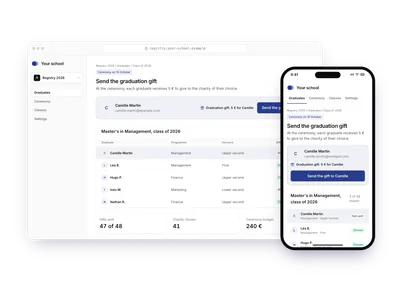
- EducationGraduation giftOn ceremony day, a school's registry sends each graduate 5 € by email through Charitips. The graduate opens the hosted page and picks the charity; the school pays.5 € for each graduate, sent on ceremony dayTry the demoA gift sent by email, Slack or post: Graduation gift
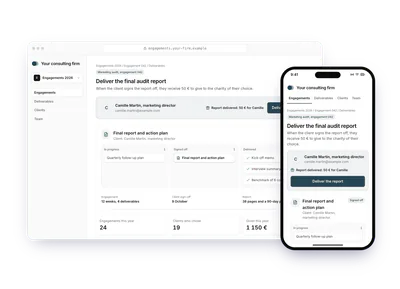
- Professional servicesAudit report deliveredA consulting firm gives 50 € when the client signs off the final audit report. Charitips emails the client, who picks the charity on a hosted page; the firm pays.50 € when the final report is signedTry the demoA gift sent by email, Slack or post: Audit report delivered
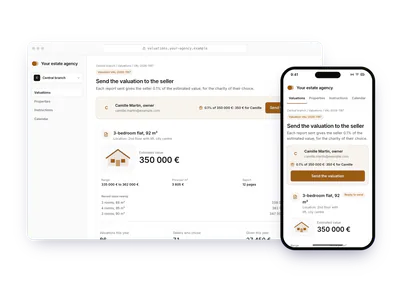
- Professional servicesProperty estimate sentAn estate agency sends a valuation report and gives the seller 0,1 % of the estimated value. Charitips emails the seller, who picks the charity; the agency pays.0,1 % of the estimated valueTry the demoA gift sent by email, Slack or post: Property estimate sent
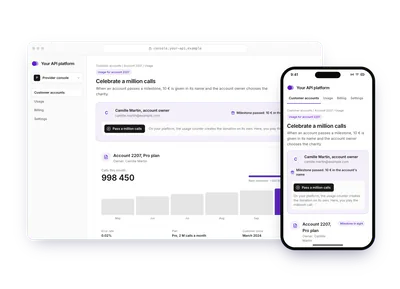
- Software and appsAPI usage milestoneAn API platform gives 10 € in a client account's name when its usage passes a milestone. Charitips emails the account owner, who picks the charity; the platform pays.10 € in the client's name at each milestoneTry the demoA gift sent by email, Slack or post: API usage milestone
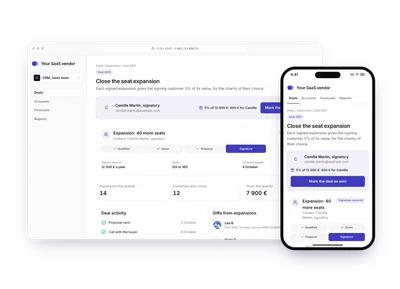
- Software and appsUpsell signedWhen a customer signs a seat expansion, the vendor sets aside 5 % of its value as a donation in the customer's name. The signer receives a Charitips email and chooses the charity.5 % of the upsell, offered to the clientTry the demoA gift sent by email, Slack or post: Upsell signed
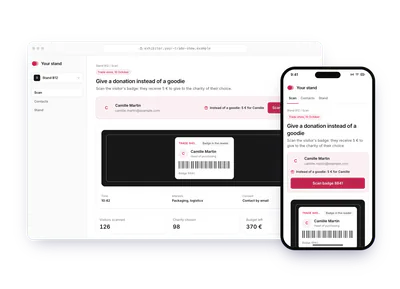
- Culture and eventsGift after an eventAt a trade show, an exhibitor scans a visitor's badge and emails them 1 € to 5 € instead of a goodie. The visitor picks the charity on their phone; the exhibitor pays.1 € to 5 € per visitor, sent by emailTry the demoA gift sent by email, Slack or post: Gift after an event
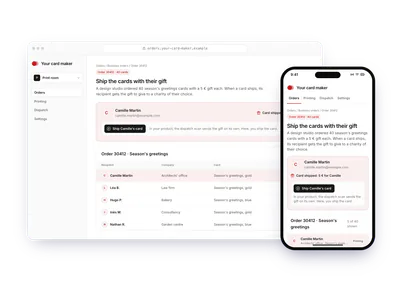
- RetailGreeting card with a giftA card maker ships business greeting cards that each carry a 5 € gift. The dispatch scan triggers the email; the recipient picks the charity on a hosted page; the sender pays.5 € in each business card, sent when it shipsTry the demoA gift sent by email, Slack or post: Greeting card with a gift
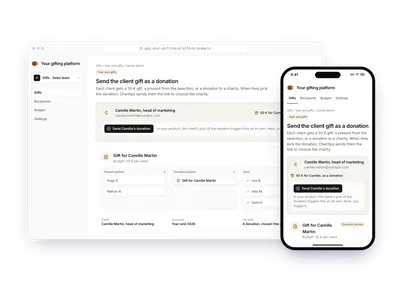
- Professional servicesClient gift as a donationA gifting platform offers each client a 50 € present or a donation. When the client picks the donation, Charitips sends them the link to choose the charity; the company pays.A 50 € client gift, turned into a donationTry the demoA gift sent by email, Slack or post: Client gift as a donation
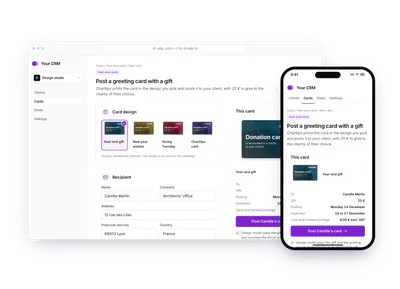
- Professional servicesGreeting card by postA company orders a year-end card for each client: Charitips prints and posts it with a 25 € gift, and the client picks the charity online. The sender pays.A year-end card with a 25 € gift, posted to each clientTry the demoA gift sent by email, Slack or post: Greeting card by post