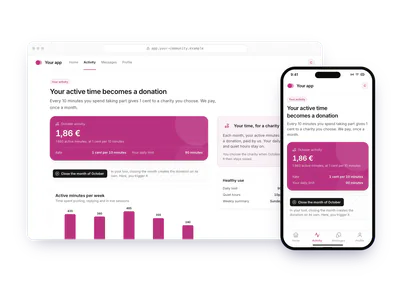
Cashback on purchases: donations with the Charitips API
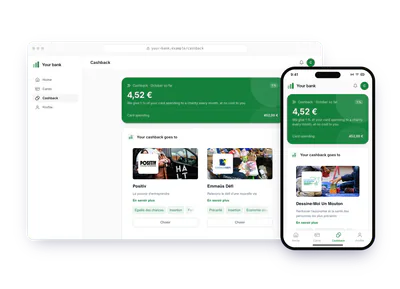
A mobile bank gives 1 % of each customer's card purchases every month, paid by the bank. The customer picks the charity once; the month closes with one donation on the statement.
- Who paysYour company
- Starts withEvery period
- Tax receiptIn your company's name
Needs API access on a validated account. Plans
One variant of A saved choice, a periodic statement · Banking and insurance
1 % of each purchase, settled monthly
See every variantapp.your-mobile-bank.example
Step by step
Click through the site. Each step shows what your customer does, what your server sends and what Charitips answers.
1At the end of October
To comeYour customer does…
Clicks “Close the month of October”.
Your server sends…
Creates a 4,12 € donation for cashback customer 204 2026-10 on the campaign “Your mobile bank”.
POSTcreate-donation
Charitips answers…
Charitips records the donation and returns its id: it waits for your customer to pick a charity.
Charitips will then tell your server the donation was created.
2When the charity is chosen
To comeYour customer does…
Clicks “Choose the charity”.
Your server sends…
Assigns that donation to the charity your customer picks.
POSTclaim-donation
Charitips answers…
The donation now goes to the charity your customer picks.
Charitips will then tell your server the donation was updated.
3At the end of November
To comeYour customer does…
Clicks “Close the month of November”.
Your server sends…
Creates a 3,86 € donation for cashback customer 204 2026-11 on the campaign “Your mobile bank”, for the charity your customer picks.
POSTcreate-donation
Charitips answers…
Charitips records the donation and returns its id: it goes to the charity your customer picks at once.
Charitips will then tell your server the donation was created.
How to read this demo: the site shows what your customer does, and the panel what your server sends and what Charitips answers, step by step.
The site is made up and nothing is sent. The endpoints, fields and webhook events are the real ones, and so are the charities.
How it works
The screens of the demo in order, with the calls your server makes at each one. Its build spec
donation_createdonation_updateOnce, before the first customer
- POST /v1/charities-selectionsCreate a charities selection: once: the charities you offer, from the catalog
- POST /v1/campaignsCreate a campaign: once: the campaign the donations go to
- POST /v1/campaigns/{campaignId}/activateActivate a campaign: once: the campaign starts taking donations
01
At the end of October
Button: Close the month of October
Your server calls:
- POST /v1/donationsCreate a donation: from your server, when it happens; amount in cents
Charitips then sends the
donation_createwebhook to your endpoint.02
When the charity is chosen
The customer picks a charity from your selection. Button: Choose the charity
Your server calls:
- POST /v1/donations/{donationId}/claimClaim a donation: donationId from the create-donation response
Charitips then sends the
donation_updatewebhook to your endpoint.03
At the end of November
Button: Close the month of November
Your server calls:
- POST /v1/donationsCreate a donation: from your server, when it happens; amount in cents
Charitips then sends the
donation_createwebhook to your endpoint.
Other ways to run it
The same calls in other sectors and products. Each card opens its own page, with its demo.
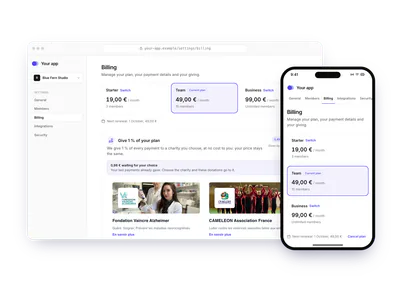
- Software and appsShare of a subscriptionA SaaS gives 1 % of every plan at each renewal. The workspace admin saves a charity in the billing settings; invoices paid before that choice wait, then get claimed for it.1 % of each plan, every renewalTry the demoA saved choice, a periodic statement: Share of a subscription
- Banking and insuranceCard cashbackA bank turns 1 % of a customer's monthly card spending into one donation, at no cost to them. The customer picks the charity from the monthly notification; it is kept for later.1 % of card spending, each monthTry the demoA saved choice, a periodic statement: Card cashback
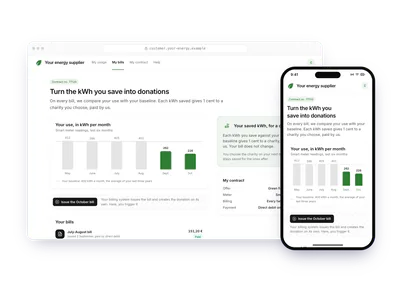
- EnergyEnergy savedAn energy supplier compares each bill with the customer's baseline and gives 1 cent per kWh saved. The supplier pays; the customer picks the charity once and sees it on each bill.0,01 € per kWh saved, on each billTry the demoA saved choice, a periodic statement: Energy saved
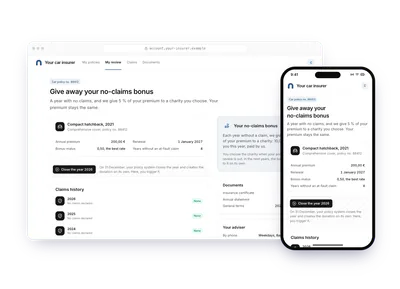
- Banking and insuranceNo-claim year bonusAn insurer gives 5 % of the premium after a year without an at-fault claim, instead of a discount. The policyholder picks the charity on their statement; the premium is unchanged.10 € after a year with no claimTry the demoA saved choice, a periodic statement: No-claim year bonus
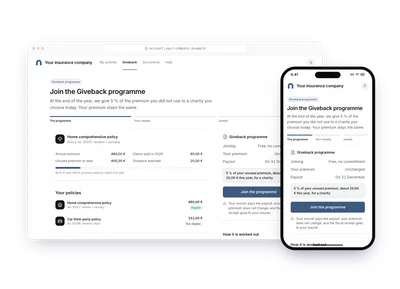
- Banking and insuranceUnused premium given backAn insurer works out, at year end, the premium not spent on claims and gives 5 % of it. The policyholder joins the programme and picks the charity today; the insurer pays.5 % of the unused premium, at year endTry the demoA saved choice, a periodic statement: Unused premium given back
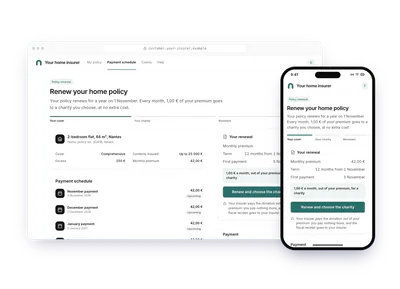
- Banking and insuranceMonthly share of a premiumAt renewal, a home insurer promises 1 € of each monthly premium to the charity the policyholder picks. Each payment creates the donation; the insurer pays, the premium stays put.1 € a month, inside the premiumTry the demoA saved choice, a periodic statement: Monthly share of a premium
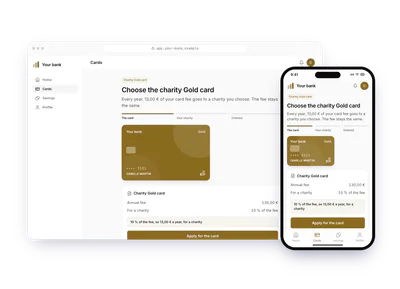
- Banking and insuranceShare of a card feeA bank's premium card gives 10 % of its yearly fee to a charity. The customer picks it when applying for the card; charging the fee creates the donation each year; the bank pays.10 % of the yearly fee of a premium cardTry the demoA saved choice, a periodic statement: Share of a card fee
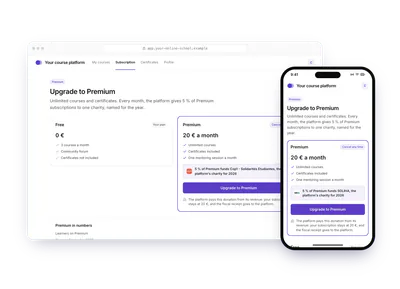
- EducationPremium plan revenueAn online school gives 5 % of all Premium subscriptions each month to one charity it names for the year. Subscribers see in their account the total given since January.5 % of the Premium plan revenue, each monthTry the demoA saved choice, a periodic statement: Premium plan revenue
- Software and appsActive time convertedA community platform converts every 10 active minutes into 1 cent, settled monthly and paid by the platform. The member picks the charity once and watches the month add up.0,01 € per active period, settled monthlyTry the demoA saved choice, a periodic statement: Active time converted