Gym check-ins: donations with the Charitips API
Every time a member taps their phone at the gym's front desk, the gym adds 0,50 € to a monthly pot. On the 1st, the pot becomes one donation to the charity the member chose.
- Who paysYour company
- Starts withA customer action
- Tax receiptIn your company's name
Needs API access on a validated account. Plans
One variant of Progress and tiers · Health and sport
0,50 € per check-in, sent monthly
See every variantapp.your-gym.example
Step by step
Click through the site. Each step shows what your customer does, what your server sends and what Charitips answers.
1At each visit
To comeYour customer does…
Clicks “Scan my badge”.
Your server sends…
No call: your side saves it.
Charitips answers…
Nothing: Charitips is not called at this step.
2At the end of the month
To comeYour customer does…
Clicks “Close the month”.
Your server sends…
Creates a 6 € donation for checkins 2204 2026 10 on the campaign “Your gym”.
POSTcreate-donation
Charitips answers…
Charitips records the donation and returns its id: it waits for your customer to pick a charity.
Charitips will then tell your server the donation was created.
3When the charity is chosen
To comeYour customer does…
Clicks “Choose the charity”.
Your server sends…
Assigns that donation to the charity your customer picks.
POSTclaim-donation
Charitips answers…
The donation now goes to the charity your customer picks.
Charitips will then tell your server the donation was updated.
4At the end of the next month
To comeYour customer does…
Clicks “Close the month”.
Your server sends…
Creates a 4,50 € donation for checkins 2204 2026 11 on the campaign “Your gym”, for the charity your customer picks.
POSTcreate-donation
Charitips answers…
Charitips records the donation and returns its id: it goes to the charity your customer picks at once.
Charitips will then tell your server the donation was created.
How to read this demo: the site shows what your customer does, and the panel what your server sends and what Charitips answers, step by step.
The site is made up and nothing is sent. The endpoints, fields and webhook events are the real ones, and so are the charities.
How it works
The screens of the demo in order, with the calls your server makes at each one. Its build spec
donation_createdonation_updateOnce, before the first customer
- POST /v1/charities-selectionsCreate a charities selection: once: the charities you offer, from the catalog
- POST /v1/campaignsCreate a campaign: once: the campaign the donations go to
- POST /v1/campaigns/{campaignId}/activateActivate a campaign: once: the campaign starts taking donations
01
At each visit
Button: Scan my badge
No call: this screen only shows the result.
02
At the end of the month
Button: Close the month
Your server calls:
- POST /v1/donationsCreate a donation: from your server, when it happens; amount in cents
Charitips then sends the
donation_createwebhook to your endpoint.03
When the charity is chosen
The customer picks a charity from your selection. Button: Choose the charity
Your server calls:
- POST /v1/donations/{donationId}/claimClaim a donation: donationId from the create-donation response
Charitips then sends the
donation_updatewebhook to your endpoint.04
At the end of the next month
Button: Close the month
Your server calls:
- POST /v1/donationsCreate a donation: from your server, when it happens; amount in cents
Charitips then sends the
donation_createwebhook to your endpoint.
Other ways to run it
The same calls in other sectors and products. Each card opens its own page, with its demo.
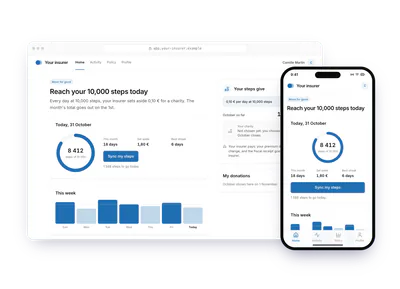
- Banking and insurance10 000 steps a dayAn insurer's app sets aside 0,10 € each day the member reaches 10 000 steps. On the 1st, the month's total goes out as one donation, paid by the insurer, to the member's charity.0,10 € per day at 10 000 steps, sent monthlyTry the demoProgress and tiers: 10 000 steps a day
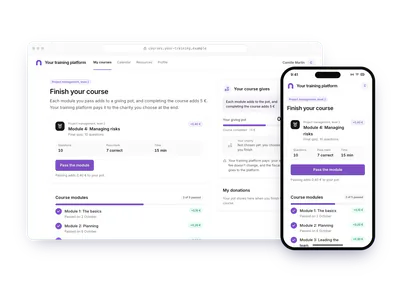
- EducationCourse modules completedOn a training platform, each module passed adds 0,10 € and more to a pot, plus 5 € when the course is complete. The learner picks the charity at the end; the platform pays.0,10 €, then 0,20 € and up per module, plus 5 € at the endTry the demoProgress and tiers: Course modules completed
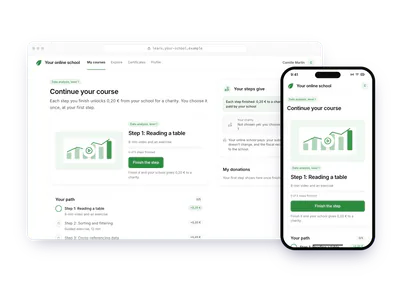
- EducationE-learning pathAn e-learning path unlocks 0,20 € from the school at each step finished. The learner picks the charity at the first step; every later step goes to the same one.0,20 € per step completedTry the demoProgress and tiers: E-learning path
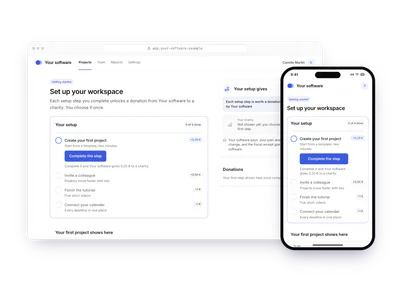
- Software and appsOnboarding milestonesA SaaS turns its setup checklist into donations: each step completed unlocks 0,20 € to 1 €, paid by the vendor. The new user picks the charity once, at the first milestone.0,20 € to 1 € per milestone reachedTry the demoProgress and tiers: Onboarding milestones
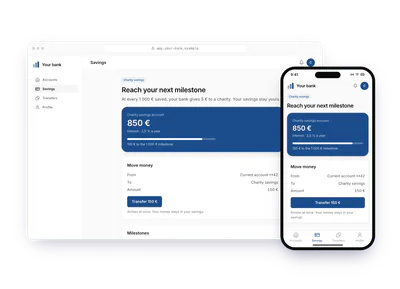
- Banking and insuranceSavings tiersA bank gives 5 € each time a customer's savings pass another 1 000 €. The customer picks the charity on the milestone screen; the money stays in their savings account.5 € for each 1 000 € savedTry the demoProgress and tiers: Savings tiers
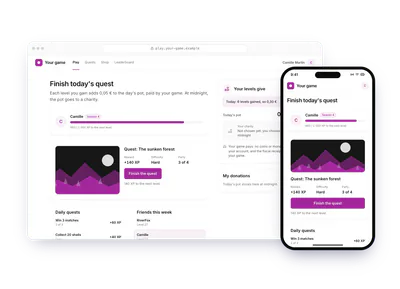
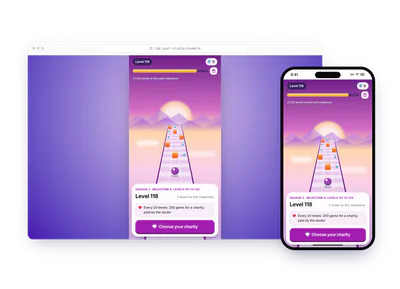
- Software and appsGame levelsIn a game, each level gained adds 0,05 € to the day's pot, paid by the studio. At midnight, the server sends the day's pot as one donation to the charity the player chose.0,05 € per level, sent dailyTry the demoProgress and tiers: Game levels
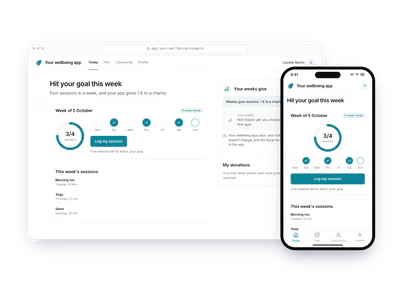
- Software and appsWeekly health goalA wellbeing app gives 1 € each week the user completes four sessions. The user picks the charity at the first goal; every week the streak holds goes to the same charity.1 € per weekly goal metTry the demoProgress and tiers: Weekly health goal
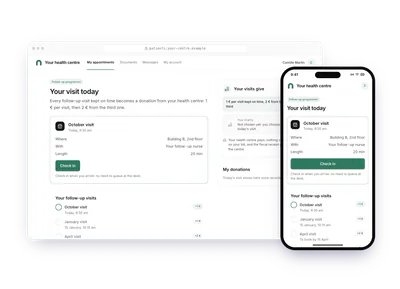
- Health and sportFollow-up visits on timeA health centre gives 1 € for each follow-up visit kept on time, 2 € from the third. The patient checks in on arrival and picks the charity once; later visits keep it.1 € or 2 € per visit kept on timeTry the demoProgress and tiers: Follow-up visits on time
- Software and appsGame milestones for a chosen charityIn any game, the player picks a charity before playing. Each milestone adds 0,25 € from the studio for it; the player sees the real impact and never pays.0,25 € every 20 levels for the charity picked before playing, paid by the studioTry the demoProgress and tiers: Game milestones for a chosen charity