Festival cashless wallet: donations with the Charitips API
A festival's cashless wristband rounds each drink or food payment up to the next euro. The attendee agrees once at top-up, pays the cents and gets the receipt in their name.
- Who paysYour users
- Starts withA purchase
- Tax receiptIn the user's name
Needs API access and the B2C use case on a validated account. Plans
One variant of Round-up on every payment · Culture and events
Each wristband payment rounded up to the next euro
See every variantapp.your-festival.example/wallet
Step by step
Click through the site. Each step shows what your customer does, what your server sends and what Charitips answers.
1Round-ups turned on
To comeYour customer does…
Clicks “Turn on”.
Your server sends…
The customer picks a charity, a multiplier and a monthly cap, and agrees to pay the round-ups. Your app saves it on its side. Nothing is sent to Charitips yet.
Charitips answers…
Nothing: Charitips is not called at this step.
2Payment rounded up
To comeYour customer does…
Clicks “Simulate a wristband payment”.
Your server sends…
Creates a 0,60 € donation for transaction #40121 on the campaign “Festival round-ups”, for the charity your customer picks, paid by Camille Martin with a fiscal receipt in their name.
POSTcreate-donation
Charitips answers…
Charitips records the donation and returns its id: it goes to the charity your customer picks at once, and the fiscal receipt will be in Camille Martin's name.
Charitips will then tell your server the donation was created.
3Payment refunded
To comeYour customer does…
Clicks “Simulate a refund”.
Your server sends…
Deletes that donation.
DELETEdelete-donation
Charitips answers…
The donation is deleted and never billed.
How to read this demo: the site shows what your customer does, and the panel what your server sends and what Charitips answers, step by step.
The site is made up and nothing is sent. The endpoints, fields and webhook events are the real ones, and so are the charities.
How it works
The screens of the demo in order, with the calls your server makes at each one. Its build spec
donation_createOnce, before the first customer
- POST /v1/charities-selectionsCreate a charities selection: once: the charities you offer, from the catalog
- POST /v1/campaignsCreate a campaign: once: the campaign, on an account with the B2C use case
- POST /v1/campaigns/{campaignId}/activateActivate a campaign: once: the campaign starts taking donations
01
Turn on round-ups
The customer picks a charity, a multiplier and a monthly cap, and agrees to pay the round-ups. Your app saves it on its side. Nothing is sent to Charitips yet.
The customer picks a charity from your selection. Button: Turn on
No call: this screen only shows the result.
02
Wristband payment rounded up
Every wristband payment is rounded up on its own, with no confirmation. Your server charges the round-up with the payment, then records the donation in the customer's name: one fiscal receipt a year, and in France 66 % of the donation comes off their income tax.
- Bar: 6,40 €
- Round-up for the charity: 0,60 €
- Charged to the wristband: 7,00 €
Button: Simulate a wristband payment
Your server calls:
- POST /v1/donationsCreate a donation: for each rounded payment, once the customer is charged; amount in cents, after the multiplier and the cap; hasBeenCharged puts the receipt in the customer's name
Charitips then sends the
donation_createwebhook to your endpoint.03
Refund received
The merchant refunds the payment: your server deletes its round-up, as long as it is not billed yet.
Button: Simulate a refund
Your server calls:
- DELETE /v1/donations/{donationId}Delete a donation: donationId kept with the transaction; only before the monthly bill
Other ways to run it
The same calls in other sectors and products. Each card opens its own page, with its demo.
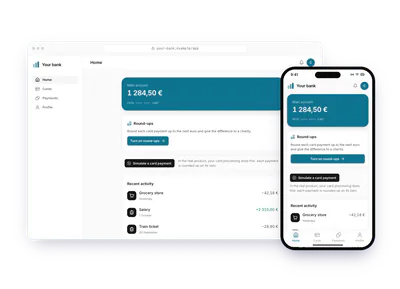
- Banking and insuranceBank card paymentsA bank rounds each card payment up to the next euro and gives the difference. The customer opts in, sets a multiplier and a monthly cap, pays the round-ups and gets the receipt.Each card payment rounded up to the next euroTry the demoRound-up on every payment: Bank card payments
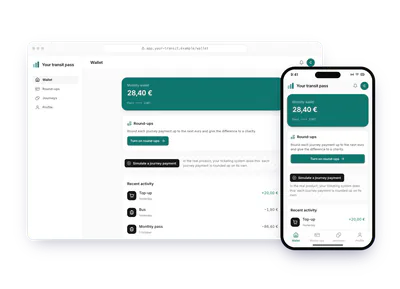
- Travel and mobilityMobility walletA mobility app rounds each journey up to the next euro and gives the cents to the charity the rider saved. The rider pays the round-ups; a refunded trip deletes its round-up.Each journey rounded up to the next euroTry the demoRound-up on every payment: Mobility wallet
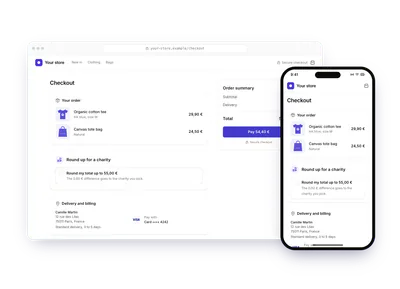
- RetailOnline store checkoutAn online store offers to round the order total up to the next euro at checkout. The customer ticks the round-up, picks the charity, pays the difference with the order and gets the receipt in their name.The order total rounded up to the next euroTry the demoRound-up on every payment: Online store checkout
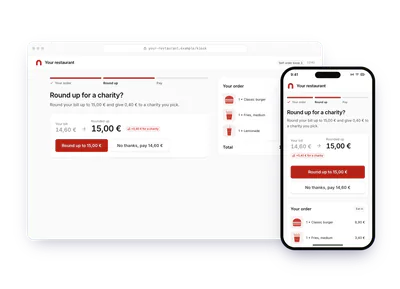
- Hotels and restaurantsRestaurant self-order kioskA restaurant's self-order kiosk offers to round the bill up to the next euro before payment. The customer picks the charity and pays the difference with the meal.The bill rounded up to the next euro at the kioskTry the demoRound-up on every payment: Restaurant self-order kiosk