An extra on a group pot: donations with the Charitips API
On a group pot, a contributor chips in for the gift and can add a donation in their own name on top. They pick the charity; the receipt is theirs, next to the platform's fee share.
- Who paysYour users
- Starts withYour users choose to give
- Tax receiptIn the user's name
Needs API access and the B2C use case on a validated account. Plans
One variant of Your users give their own money · Banking and insurance
A contributor's extra, next to the platform's fee share
See every variantpot.your-platform.example
Step by step
Click through the site. Each step shows what your customer does, what your server sends and what Charitips answers.
1Gift added after the contribution
To comeYour customer does…
Clicks “Choose the charity”.
Your server sends…
Creates a 0,50 € donation for contribution 8812 fees on the campaign “Your online pot”, for the charity your customer picks.
POSTcreate-donation
Creates a 5 € donation for contribution #8812 on the campaign “Your online pot”, for the charity your customer picks, paid by Camille Martin with a fiscal receipt in their name.
POSTcreate-donation
Charitips answers…
Charitips records the donation and returns its id: it goes to the charity your customer picks at once.
Charitips records the donation and returns its id: it goes to the charity your customer picks at once, and the fiscal receipt will be in Camille Martin's name.
Charitips will then tell your server the donation was created.
2Fiscal receipt issued
To comeYour customer does…
Clicks “Process the donation”.
Your server sends…
No call: your side saves it.
Charitips answers…
Charitips will then tell your server the fiscal receipt is ready.
3Receipt downloaded
To comeYour customer does…
Clicks “Download”.
Your server sends…
Reads the fiscal receipt of that donation.
Charitips answers…
Charitips returns the receipt and its id.
How to read this demo: the site shows what your customer does, and the panel what your server sends and what Charitips answers, step by step.
The site is made up and nothing is sent. The endpoints, fields and webhook events are the real ones, and so are the charities.
How it works
The screens of the demo in order, with the calls your server makes at each one. Its build spec
donation_createfiscalreceipt_generatedOnce, before the first customer
- POST /v1/charities-selectionsCreate a charities selection: once: the charities you offer, from the catalog
- POST /v1/campaignsCreate a campaign: once: the campaign the donations go to
- POST /v1/campaigns/{campaignId}/activateActivate a campaign: once: the campaign starts taking donations
01
Gift added after the contribution
The customer picks a charity from your selection. Button: Choose the charity
Your server calls:
- POST /v1/donationsCreate a donation: from your server, when it happens; amount in cents
- POST /v1/donationsCreate a donation: from your server, when it happens; amount in cents
Charitips then sends the
donation_createwebhook to your endpoint.02
Fiscal receipt issued
Button: Process the donation
No call: this screen only shows the result.
Charitips then sends the
fiscalreceipt_generatedwebhook to your endpoint.03
Receipt downloaded
Button: Download
Your server calls:
- GET /v1/donations/{donationId}/fiscal-receiptGet a donation fiscal receipt: the receipt in the donor's name, once Charitips has issued it
Other ways to run it
The same calls in other sectors and products. Each card opens its own page, with its demo.
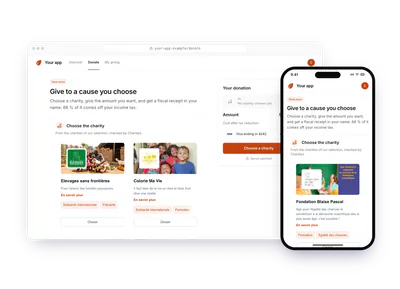
- Software and appsUsers give their own moneyAn app lets users give their own money: they pick a charity and an amount, then pay the app. The server records the donation after payment; the receipt is in the donor's name.A one-off gift, the receipt in the donor's nameTry the demoYour users give their own money: Users give their own money
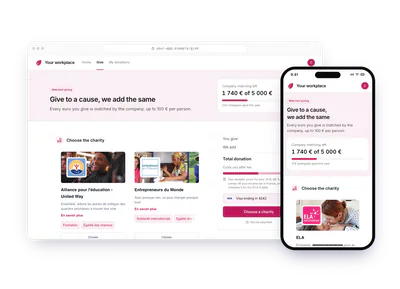
- Professional servicesDonation matchingA user gives 20 € and the company adds 20 €. The user picks the charity, pays and gets the receipt for their part; the company gets its own receipt for the matched part.The user gives 20 €, the company adds 20 €Try the demoYour users give their own money: Donation matching
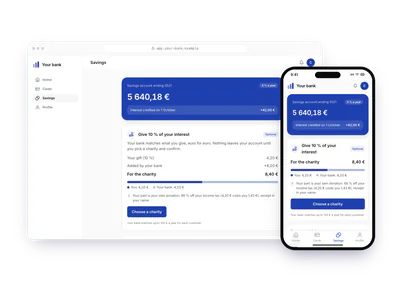
- Banking and insuranceSavings interest, matchedA bank proposes to give 10 % of the interest just credited on a savings account, and matches it euro for euro. The customer picks the charity and confirms; two receipts, one each.10 % of the interest, matched by the bankTry the demoYour users give their own money: Savings interest, matched
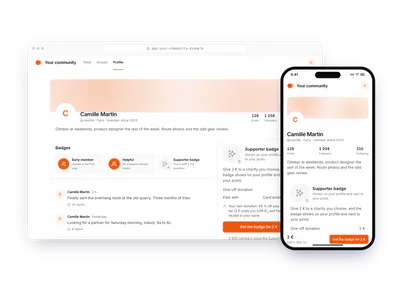
- Software and appsBadge unlocked by a giftA community platform sells a supporter badge for a 2 € donation. The member picks the charity and pays; the badge shows on their profile and the receipt is in their name.2 € to unlock a profile badgeTry the demoYour users give their own money: Badge unlocked by a gift
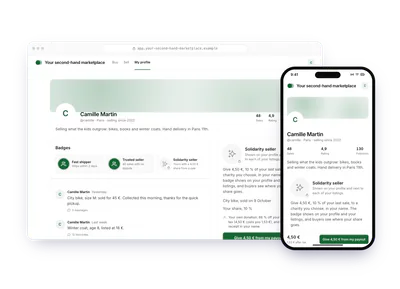
- RetailSecond-hand seller's shareOn a second-hand marketplace, a seller gives 10 % of a sale from their payout, in their own name. A badge shows on their listings and buyers see where the share goes.10 % of a sale, given by the seller in their nameTry the demoYour users give their own money: Second-hand seller's share
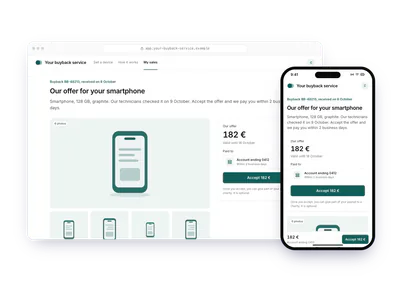
- RetailPart of a buyback payoutA buyback service offers 182 € for a used smartphone. Before accepting, the seller can give part of the payout to a charity they pick; the receipt is in their name.A platform buys a used smartphone for 182 €, the seller gives part of the payout in their nameTry the demoYour users give their own money: Part of a buyback payout
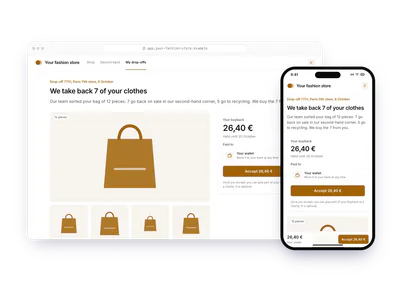
- RetailPart of a clothes buybackA fashion store buys back clothes dropped off in store, 26,40 € for seven pieces. The customer can give part of the buyback to a charity they pick; the receipt is theirs.Clothes dropped off in store, 26,40 € bought back, part of it given in the person's nameTry the demoYour users give their own money: Part of a clothes buyback